Cycling Navigation App Selector
What is your primary goal?
Where will you ride?
Do you need offline access?
Budget preference?
Yes, Google Maps Has Dedicated Bike Routes
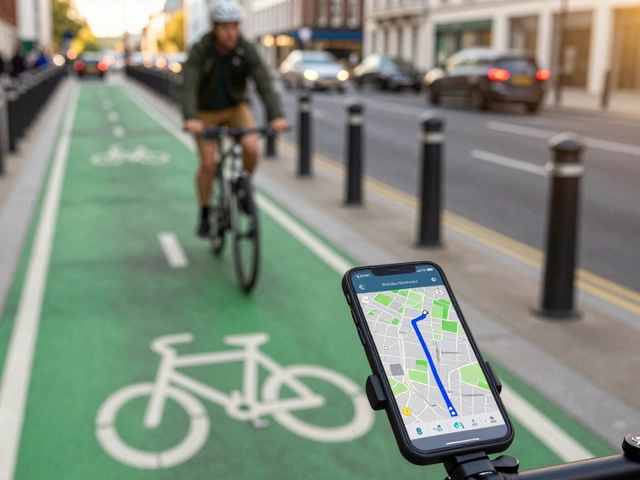
If you are planning a ride and wondering whether your phone can actually guide you on two wheels, the short answer is yes. Google Maps is a mapping service that provides dedicated cycling directions, avoiding highways and prioritizing safer roads. It has been doing this for years, but the quality of those routes has improved significantly as more cities have added detailed infrastructure data.
You do not need a separate app just to find a path from point A to point B. The built-in cycling mode considers factors like traffic density, road type, and elevation to suggest a route that feels right for a cyclist rather than a car driver. However, knowing exactly how it works-and where it falls short-can make the difference between a smooth commute and a stressful detour.
How to Access Cycling Directions
Finding these routes is straightforward, but you have to tell the app what you are looking for. By default, Google Maps assumes you are driving or walking. You need to switch the mode explicitly.
- Open the Google Maps app on your smartphone.
- Enter your destination in the search bar.
- Tap the icon that looks like a bicycle (usually located near the top left of the screen, next to the car and walking icons).
- The map will recalculate the route, highlighting streets suitable for bikes.
Once you tap "Start," the app uses your phone's GPS to guide you turn-by-turn. It speaks aloud when you need to turn, which is crucial because you should keep your eyes on the road, not your screen. If you are using the desktop version on a computer, the process is similar: click the layers button or the transportation options and select the bicycle icon.
What Makes These Routes Different?
Cycling is not just driving slowly. You care about different things than a motorist does. Cycling routes are paths optimized for safety, comfort, and efficiency for bicycles, often avoiding heavy traffic. Google Maps attempts to balance speed with safety by analyzing several key factors.
- Road Type: The algorithm prefers local streets over major arterials. It actively avoids highways and freeways where bikes are prohibited or extremely dangerous.
- Traffic Density: In many major cities, Google Maps integrates real-time traffic data to steer you away from congested intersections.
- Elevation: If you have the elevation profile enabled, the app shows you hills along the way. While it doesn't always avoid steep climbs entirely (unless you specifically look for flat routes), it helps you prepare for the effort.
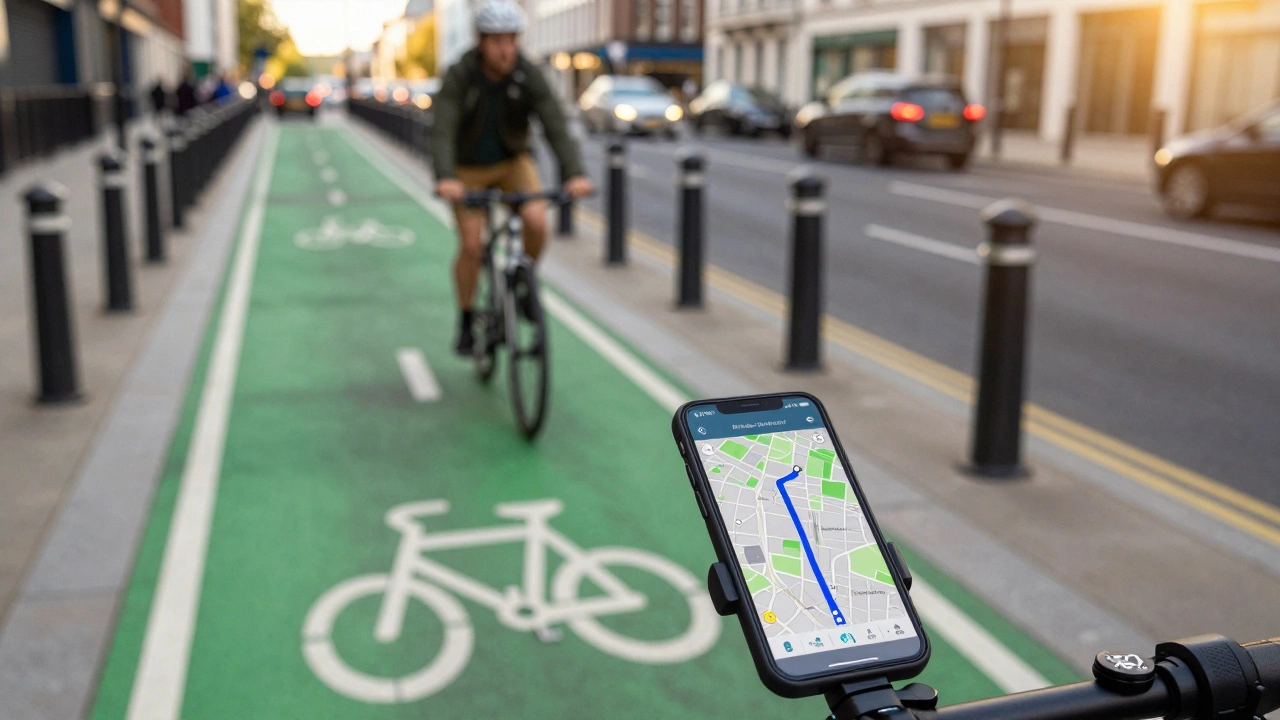
- Bike Lanes: In areas with updated map data, the app highlights dedicated bike lanes and shared-use paths. This is a game-changer for urban commuters who want to stay off the main carriageway.
This distinction matters because a route that saves five minutes but forces you to merge with speeding trucks is not a good route for a cyclist. Google's system tries to minimize these high-stress moments.
Real-World Accuracy and Limitations
While the technology is impressive, it is not perfect. As someone who cycles regularly in Adelaide, I have noticed that the accuracy depends heavily on the specific city and its infrastructure updates. In well-mapped areas like Melbourne, Sydney, or London, the bike lane data is robust. You will see clear blue lines indicating protected paths.
However, in smaller towns or rural areas, the data might lag behind reality. A new bike path opened last month might not show up on the map yet. Conversely, an old path that was paved over might still appear as a valid route. Always trust your eyes first. If the app sends you down a one-way street against traffic, override it immediately.
Another limitation is the lack of surface information. Google Maps rarely tells you if a bike path is gravel, dirt, or cracked asphalt. For mountain bikers or gravel riders, this can be frustrating. The app is designed primarily for road and hybrid cyclists commuting in urban or suburban environments.
Comparison: Google Maps vs. Specialized Cycling Apps
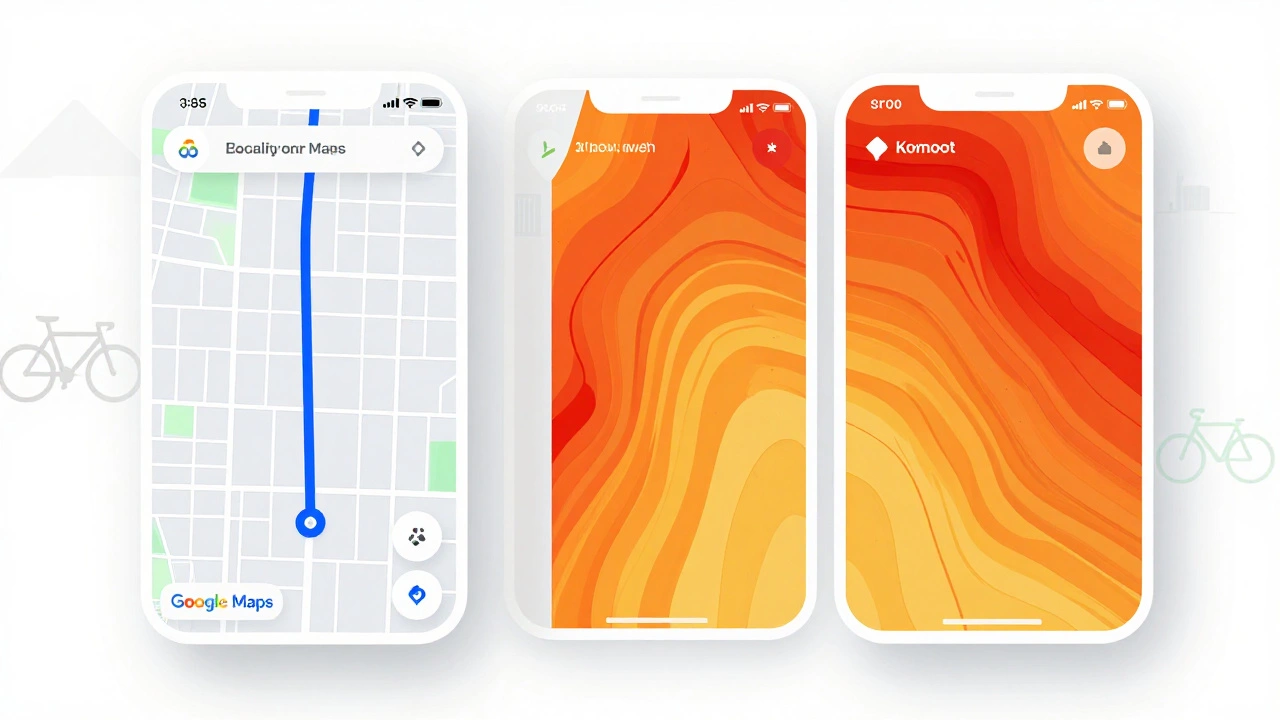
Many cyclists wonder if they should stick with Google Maps or download a dedicated app like Strava is a fitness tracking platform that also offers route discovery and social features for athletes. or Komoot is a navigation app focused on outdoor activities including hiking, cycling, and running with detailed terrain analysis.. Here is how they stack up.
| Feature | Google Maps | Strava | Komoot |
|---|---|---|---|
| Primary Use | Point-to-point navigation | Social tracking & heatmaps | Terrain-based planning |
| Bike Lane Data | Good in major cities | Limited | Moderate |
| Offline Mode | Requires pre-download | No (needs internet) | Yes (premium feature) |
| Turn-by-Turn Audio | Excellent | Basic | Very Good |
| Cost | Free | Free / Subscription | Free / Subscription |
Google Maps wins on convenience and audio guidance. You likely already have it installed. Strava is better if you want to see where other cyclists frequently ride (heatmaps) and track your performance metrics. Komoot is superior for long-distance touring or off-road adventures where terrain type matters more than traffic lights.

Tips for Better Cycling Navigation
To get the most out of Google Maps for your rides, follow these practical tips.
- Download Offline Maps: Before heading out, especially into areas with poor signal, download the map region. This ensures you still get visual guidance even if your data connection drops.
- Use the "Avoid Highways" Option: Although cycling mode generally avoids highways, double-check the settings to ensure no large arterial roads are included in your route.
- Check the Elevation Profile: Tap the elevation graph at the bottom of the screen. If you see a massive spike, you might want to adjust your start time or hydration plan.
- Report Issues: If you find a closed bike path or a missing sign, use the "Send feedback" option in the app. This helps improve the data for everyone.
- Combine with Local Knowledge: No app knows every shortcut. Talk to local cycling groups. They often know hidden gems that haven't made it onto the digital map yet.
Safety First: Navigating Without Distraction
Navigation is only useful if it keeps you safe. Staring at your phone while riding is a recipe for disaster. Google Maps addresses this with voice prompts and haptic feedback.
Make sure your volume is up enough to hear the instructions clearly. If you wear headphones, use bone-conduction models so you can still hear approaching cars. Some newer smartphones support haptic vibrations for turns, which is even better because it requires zero visual attention.
Always mount your phone securely on your handlebars using a sturdy cage. A loose phone bouncing around is distracting and risky. Position it so you can glance at the big arrow without taking your hands off the bars.
Future Updates and Improvements
Google is continuously improving its cycling data. In recent years, they have partnered with cities worldwide to digitize bike infrastructure. This means that as more municipalities invest in green lanes and protected paths, your maps will become more accurate.
We are also seeing more integration with real-time events. If there is a parade or road closure ahead, Google Maps may reroute you automatically. This dynamic adjustment is becoming more common and will likely become standard in the coming years.
For now, Google Maps remains the best all-around tool for casual and commuter cyclists. It is free, widely available, and constantly updating. While specialized apps offer deeper insights for serious athletes, nothing beats the simplicity and reliability of Google for getting from home to work or exploring a new neighborhood.
Does Google Maps show bike lanes?
Yes, in many major cities and regions with updated map data, Google Maps displays dedicated bike lanes and shared-use paths. Look for blue lines or specific bicycle icons on the map. Availability varies by location, with urban centers having the most comprehensive coverage.
Can I use Google Maps for cycling offline?
Yes, you can use Google Maps for cycling offline, but you must download the map area beforehand. Go to the menu, select "Offline maps," choose your custom area, and save it. Note that turn-by-turn navigation may be limited compared to online mode, but basic directions will still work.
Is Google Maps better than Strava for navigation?
It depends on your needs. Google Maps is better for real-time, turn-by-turn navigation with voice guidance and traffic avoidance. Strava is better for discovering popular routes through heatmaps and tracking your performance metrics. For pure navigation reliability, Google Maps often wins.
How do I report a wrong bike route in Google Maps?
Open the app, go to the route details, and tap the three dots menu. Select "Send feedback" or "Report a problem." You can describe the issue, such as a closed path or incorrect signage. Google reviews this data to improve future routes for other cyclists.
Does Google Maps avoid steep hills for cyclists?
Not automatically. Google Maps shows the elevation profile so you can see hills, but it does not inherently avoid them unless you manually adjust your route. For hill-free routes, you may need to use specialized apps or manually plan your path using the elevation data provided.