Rugby VPN Compatibility & Speed Estimator
Select your viewing setup to see which top-rated VPNs are recommended for uninterrupted rugby matches.
Provider Comparison
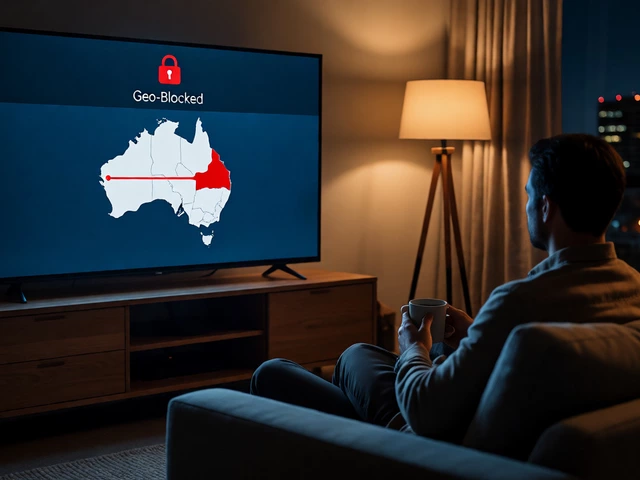
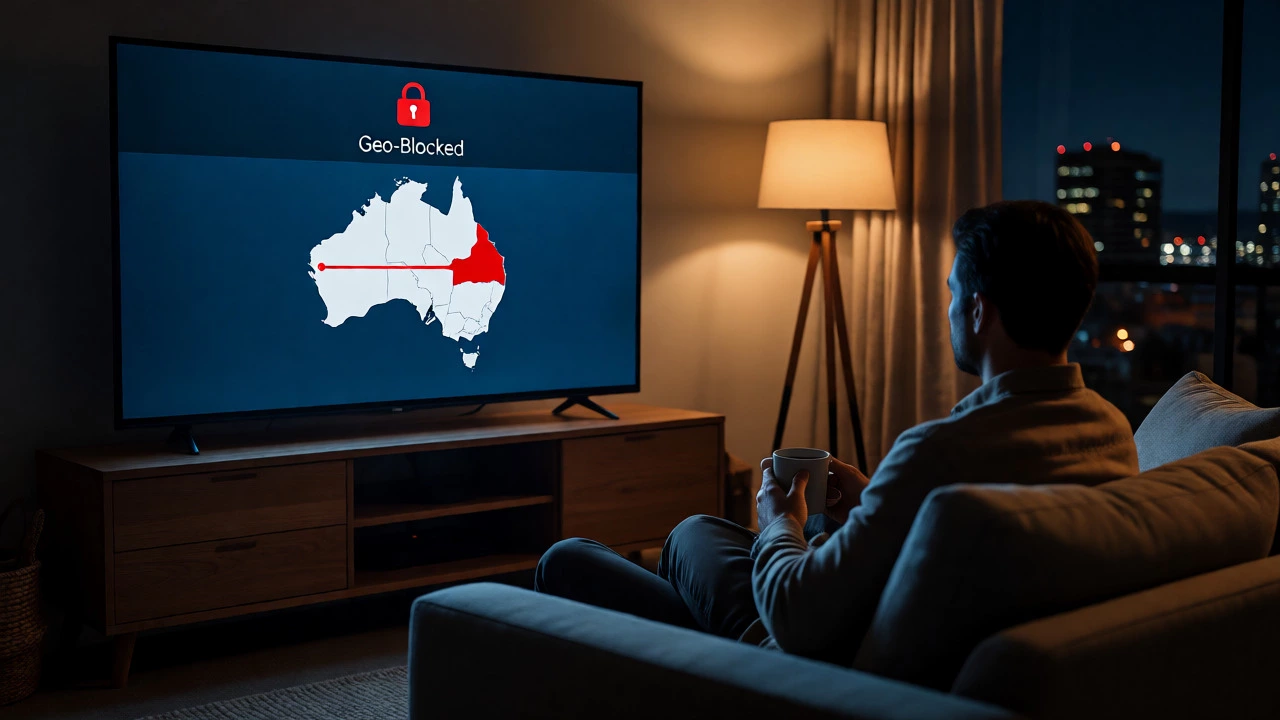
You’re sitting in your living room in Adelaide, coffee in hand, ready for the Six Nations match. But when you click play on the official broadcaster’s site, you get that annoying message: "Content not available in your region." It’s frustrating, especially when you’ve paid for a subscription elsewhere or just want to catch up on the rugby fixtures from overseas leagues like the Premiership or Top 14.
This is where a Virtual Private Network (VPN) comes in handy. But it’s not as simple as flipping a switch. Streaming services are getting smarter at blocking these tools, and if you pick the wrong provider or server, you’ll spend more time buffering than watching scrums. Here’s exactly how to watch rugby with a VPN without losing your mind-or your connection.
Why Can’t You Just Watch Rugby Anywhere?
Broadcasting rights are messy. They’re sold country by country, often exclusively. In Australia, you might have Stan Sport or Fox Sports for Wallabies games. In the UK, it’s TNT Sports or BBC. In the US, Peacock holds the rights for many international tournaments. If you try to access the UK feed from Australia, the system checks your IP address. If it doesn’t see a UK location, it blocks you. This isn’t about being difficult; it’s legal compliance with contracts signed years ago.
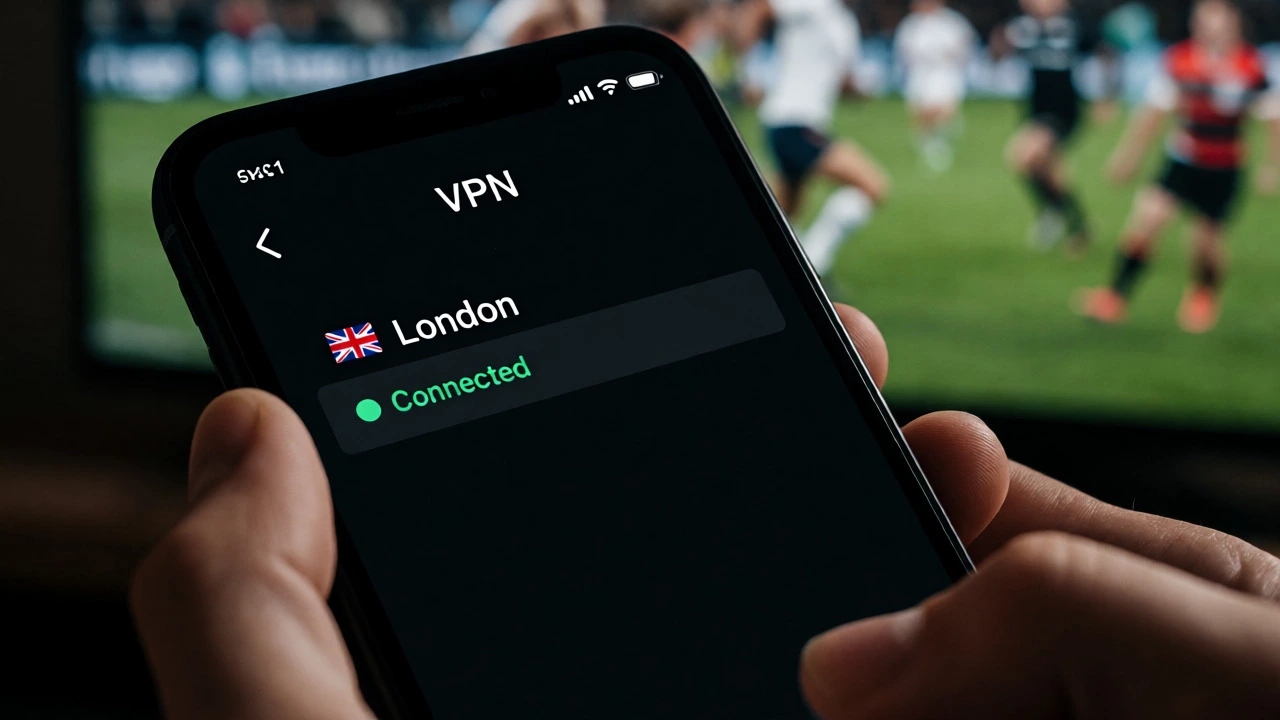
A VPN (a service that encrypts your internet traffic and routes it through a server in another country, masking your real IP address) tricks the streaming platform into thinking you’re physically located where the content is licensed. So, if you connect to a London server, the broadcaster sees a UK IP and lets you stream.
Picking the Right VPN for Sports Streaming
Not all VPNs work for live sports. Many free options are too slow, and some cheap ones are already blacklisted by major broadcasters like Sky, ESPN+, or DAZN. You need speed, stability, and servers that haven’t been flagged.
Here’s what actually matters when choosing one:
- Server Availability: You need servers in every country where rugby is broadcast. That means UK, Ireland, France, New Zealand, South Africa, Australia, and the USA. If a provider only has 50 countries, they might miss smaller markets like Georgia or Japan, which host key matches.
- Speed Retention: Live rugby needs high bandwidth. A good VPN should drop your speed by less than 20%. Look for providers using WireGuard protocol-it’s faster than older OpenVPN standards.
- Unblocking Ability: Some providers specifically market "Smart DNS" or dedicated streaming IPs. These are designed to bypass geo-restrictions better than standard residential IPs.
Based on current performance tests in late 2026, three names consistently come up for sports fans: ExpressVPN, NordVPN, and Surfshark. Each has pros and cons depending on your budget and device setup.
| Feature | ExpressVPN | NordVPN | Surfshark |
|---|---|---|---|
| Best For | Reliability & Speed | Value & Features | Budget & Unlimited Devices |
| Streaming Servers | Yes, optimized | Yes, SmartPlay tech | Yes, NoBorders mode |
| Average Speed Loss | <10% | <15% | <20% |
| Device Limit | 8 simultaneous | 6 simultaneous | Unlimited |
| Price (Monthly) | $12.95 USD | $3.59 USD (2-year plan) | $2.49 USD (2-year plan) |
If you’re watching on multiple devices-say, your phone during lunch and your TV at night-Surfshark’s unlimited connections save you money. If you hate buffering during a penalty shootout, ExpressVPN’s raw speed is hard to beat, despite the higher price tag.

Step-by-Step: Setting Up Your VPN for Rugby
Once you’ve picked a provider, don’t just install it and hope for the best. Follow this sequence to avoid common pitfalls.
- Install Before You Need It: Download the app while you’re still in your home country. Sometimes, once you’re abroad or connected to a restricted network, downloading the installer can be tricky.
- Clear Cookies and Cache: This is the step everyone skips. Your browser remembers your previous location. Go to your settings, clear browsing data, and restart the browser. Otherwise, the streaming site might still think you’re in Australia even after you’ve switched to a UK server.
- Connect to the Correct Server: Don’t just pick "UK." Pick a specific city server known for low latency, like London or Manchester. If the first server fails, try another city in the same country. Some ISPs throttle specific IP ranges.
- Check Your IP Address: Use a site like WhatIsMyIP.com to confirm your new location shows up correctly. If it says "Australia," your DNS leak is active, and you need to enable "DNS Leak Protection" in the VPN settings.
- Test Stream Quality: Start a match 10 minutes early. Adjust video quality manually if needed. Auto-quality settings often fail with VPNs because the bandwidth fluctuates slightly due to encryption overhead.
Dealing with Geo-Blocks and Error Messages
Even with a premium VPN, you might hit a wall. Streaming giants use sophisticated detection methods. They look at IP reputation, WebRTC leaks, and even timing patterns.
If you see a "Proxy Detected" error, here’s what to do:
- Switch Protocols: Change from UDP to TCP in your VPN settings. TCP is slower but harder to block because it looks more like regular web traffic.
- Use Obfuscated Servers: Providers like NordVPN offer obfuscated servers that hide the fact you’re using a VPN entirely. Turn this feature on if standard servers fail.
- Disable WebRTC: In Chrome or Firefox, disable WebRTC via extensions or flags. This prevents your browser from leaking your real local IP address alongside the VPN’s public IP.
Sometimes, the issue isn’t technical but contractual. Certain events, like the Rugby World Cup final, might be broadcast on free-to-air channels that require a local postal code for registration. A VPN won’t help there unless you also use a virtual mailbox service to get a valid address.
Legal and Ethical Considerations
Is it illegal? Generally, no. Using a VPN is legal in most countries, including Australia, the UK, and the US. However, it usually violates the Terms of Service of the streaming provider. They can theoretically suspend your account, though this rarely happens for individual viewers. They’re more concerned with people reselling accounts than someone watching a game abroad.
Also, consider the impact on local broadcasters. If you’re an expat paying for a local subscription but using a VPN to watch foreign feeds, you’re effectively double-dipping. It’s a gray area ethically, but practically, it keeps the sport accessible to global fans who might otherwise miss out entirely.
Troubleshooting Common Issues
The stream buffers constantly. Try connecting to a server closer to your physical location but within the target country. If you’re in Asia watching a UK feed, a London server might have high ping. Check if the provider has a "Fastest Server" option and test it against manual selection.
The audio and video are out of sync. This often happens with lower-end devices struggling with decryption. Close other apps running in the background. If you’re casting from a phone to a TV, try mirroring instead of casting, or use a dedicated streaming stick with its own VPN router setup.
The channel list is empty. Some apps detect the VPN and hide certain channels. Log out of the app, reconnect the VPN, and log back in. This forces the app to refresh its regional permissions based on the new IP.
Can I use a free VPN to watch rugby?
You can, but it’s risky. Free VPNs like ProtonVPN or Windscribe have limited servers and strict data caps. Rugby matches last 80+ minutes, easily exceeding typical 10GB monthly limits. Plus, free IP addresses are shared by thousands of users, making them easy targets for streaming service bans. For reliable viewing, a paid plan is worth the cost.
Will my ISP throttle my speed when I use a VPN?
ISPs sometimes throttle traffic they identify as streaming or encrypted. A good VPN encrypts your traffic so the ISP can’t see you’re watching rugby-they just see generic encrypted data. This can actually prevent throttling. However, the encryption process itself adds slight overhead, so expect a small speed reduction compared to a direct connection.
Do I need a separate subscription for each country?
Yes, typically. A VPN changes your digital location, but it doesn’t give you access to paid content. If you want to watch the English Premiership via NBC Sports Gold, you need a US subscription and a US VPN server. If you want to watch the French Top 14 via Canal+, you need a French subscription and a French server. The VPN unlocks the gate; the subscription pays the toll.
What if the streaming service blocks my VPN IP?
Contact the VPN’s customer support. They maintain lists of working servers for specific services. Often, they’ll recommend a specific server number that hasn’t been blacklisted yet. Alternatively, switch to a different provider temporarily or use a Smart DNS service, which doesn’t encrypt traffic but reroutes location requests, making it less likely to be blocked.
Is it safe to use public Wi-Fi with a VPN for streaming?
It’s safer than without a VPN, but not ideal for performance. Public networks are often congested and have high latency, which causes buffering regardless of encryption. Use a VPN to protect your data from snooping, but rely on mobile data (4G/5G) or home broadband for the actual streaming experience.